
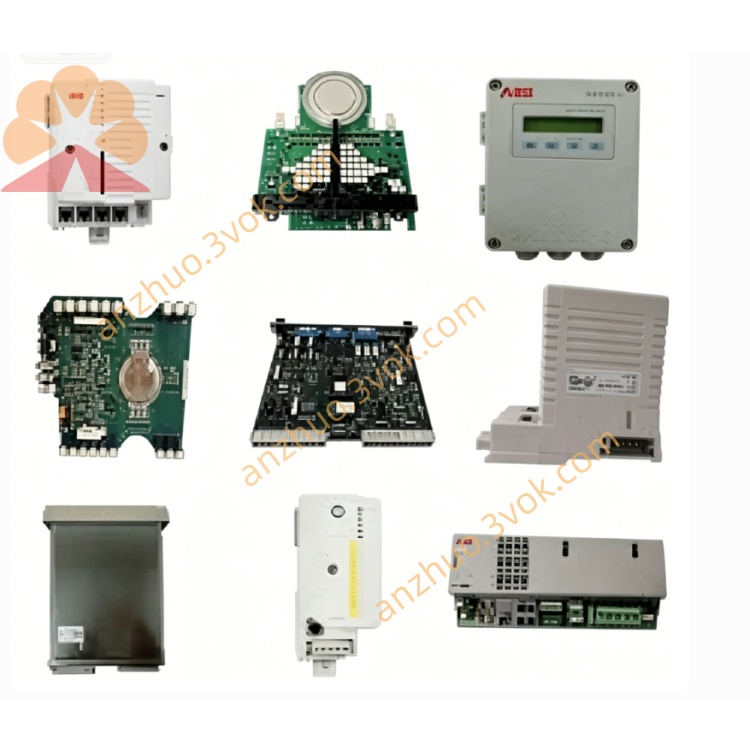
ABB 1SAP210600R0001(TU551‑CS31)screw terminal base unit
1SAP210600R0001 is TU551-CS31, a screw terminal base unit for ABB S500 distributed I/O system. It is specially designed for AC500 PLC series, used for mechanical mounting and electrical connection of CS31 bus interface modules. It delivers reliable wiring performance and stable bus signal transmission for industrial control systems.
Description
Product Introduction
1SAP210600R0001 is TU551-CS31, a screw terminal base unit for ABB S500 distributed I/O system. It is specially designed for AC500 PLC series, used for mechanical mounting and electrical connection of CS31 bus interface modules. It delivers reliable wiring performance and stable bus signal transmission for industrial control systems.
Model Explanation
1SAP210600R0001 is the complete ABB part number. TU551-CS31 is the official model name. TU stands for terminal unit, and CS31 refers to ABB dedicated fieldbus protocol. 210600 represents the product platform for S500 CS31 bus terminal units with screw terminals, and R0001 stands for the original hardware revision. This is a passive base unit which must work with matched CS31 interface modules and cannot operate independently.
Technical Parameters
The rated supply voltage is 24 V DC. It adopts screw terminal connection type for field wiring. It is equipped with a 20-pin screw terminal block and dedicated CS31 bus interface. The protection class is IP20. The operating temperature ranges from 0 degrees Celsius to 60 degrees Celsius, and the storage temperature ranges from minus 40 degrees Celsius to 70 degrees Celsius. The total weight is approximately 0.20 kilograms. It is installed on standard DIN rail. The product complies with CE and RoHS requirements. It is fully compatible with AC500 V2, V3, AC500-eCo and AC500-S PLC series.
Interface and Communication Configuration
This unit has no independent communication capability. It provides mechanical support and signal conversion for CS31 bus modules. The internal circuits distribute CS31 bus signals and 24 V DC power. The screw terminal block is used for field device wiring, and the dedicated interface is for connecting CS31 modules. After installation, it connects to the internal bus of AC500 system to realize data exchange between PLC and field equipment. No additional parameter configuration is required during use.
Core Functions
It provides firm mechanical installation and stable electrical connection for S500 CS31 bus modules. The screw terminal design ensures tight connection, which is suitable for industrial sites with severe vibration. It supports hot swap of CS31 modules to reduce system downtime during maintenance. It distributes 24 V DC power and bus signals steadily to on-site sensors and actuators. With built-in electrical isolation and anti-interference design, it can adapt to harsh industrial working environments.
Application Scenarios
It is widely applied in automation systems composed of ABB AC500 PLC and S500 distributed I/O. It is suitable for manufacturing production lines, packaging machinery and material handling equipment. It also works for process control systems such as water treatment, heating ventilation and energy management. It is an essential part for building distributed control networks based on CS31 bus, and can be used for new project construction and legacy system renovation.
Usage and Maintenance Instructions
Mount the unit on standard DIN rail inside the control cabinet, and keep the surrounding area well ventilated, dry and away from direct sunlight. Connect 24 V DC power supply strictly according to the polarity marking. Insert the CS31 bus module into the base and lock it securely. Connect field cables to screw terminals following pin definitions and tighten screws with proper torque. Check terminal connection and module status regularly, and remove accumulated dust in time. Only use compatible CS31 modules. Do not over tighten the screws to avoid terminal damage. When abnormal conditions occur, inspect power supply and connections first, and replace damaged components in a timely manner.
Get a Quote