
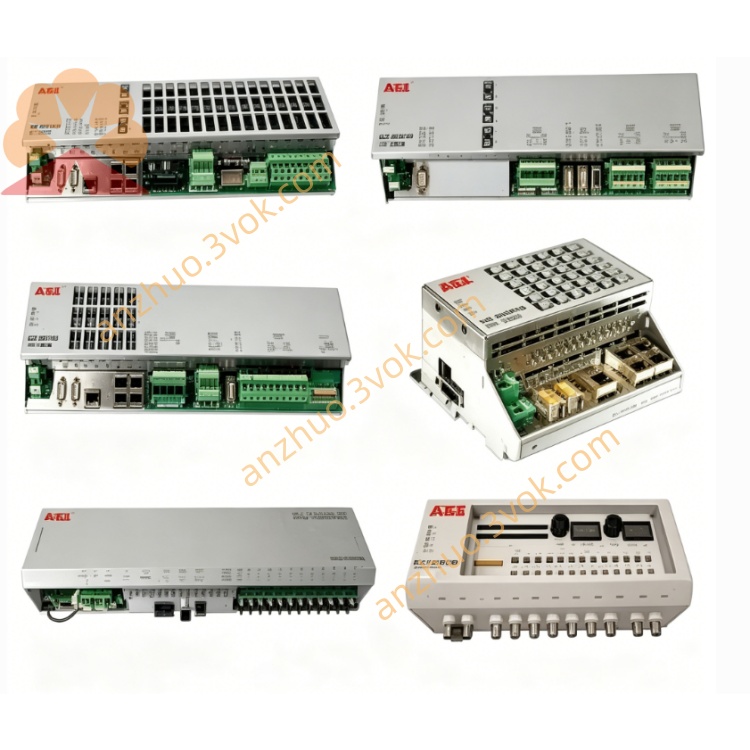
ABB 1SAP190600R0101 (PS551-MC-MULTI) professional multi-axis motion control software license
1SAP190600R0101 is PS551-MC-MULTI, a professional multi-axis motion control software license designed for ABB AC500 PLC series. It activates the full motion control library in Control Builder AC500, supporting unlimited axes for complex motion tasks. This license enables users to develop advanced motion programs with standard function blocks, and delivers stable and precise motion performance for high-demanding industrial automation systems.
Description
Product Introduction
1SAP190600R0101 is PS551-MC-MULTI, a professional multi-axis motion control software license designed for ABB AC500 PLC series. It activates the full motion control library in Control Builder AC500, supporting unlimited axes for complex motion tasks. This license enables users to develop advanced motion programs with standard function blocks, and delivers stable and precise motion performance for high-demanding industrial automation systems.
Model Explanation
1SAP190600R0101 is the complete ABB part number. PS551-MC-MULTI is the official product name for multi-axis motion control license. 190600 stands for the product platform of AC500 motion control software licenses, and R0101 represents the hardware and release revision. This product is a software authorization package, different from the single-axis motion license with part number 1SAP190600R0001.
Technical Parameters
This product is a software license for motion control library activation. It is fully compatible with AC500 V2 and V3 series PLC including PM56xx, PM57x, PM58x and PM59x CPU modules. The matched programming software is Control Builder AC500 version 6.0 and above. It supports unlimited motion axes and complies with IEC 61131-3 and PLCopen motion control standards. It works well with ABB series drives connected via PROFIBUS or EtherCAT fieldbus. The package contains license key, user manuals and related documents. It has passed CE and RoHS certifications.
Interface and Communication Configuration
This is a software license without physical signal interfaces. After successful activation in Control Builder AC500, the motion function blocks can directly interact with the PLC internal program. The PLC communicates with servo drives and frequency converters through built-in communication ports or external communication modules such as PROFIBUS, EtherCAT and CANopen modules. All communication parameters and motion link settings can be configured uniformly in the programming software to realize data exchange and coordinated control between axes.
Core Functions
It provides comprehensive motion control function blocks for multi-axis positioning, speed regulation and torque control. It supports advanced functions such as electronic gearing, shaft synchronization, cam following, linear and circular interpolation. It realizes complex working modes like flying shear and rotary cutting for continuous production processes. It comes with complete diagnosis functions to monitor real-time operating status of each axis and collect fault information of motion devices. Standard programming specifications ensure good compatibility and portability of user projects.
Application Scenarios
It is widely applied in automated equipment requiring multi-axis linkage and high-precision motion control, such as packaging machines, printing equipment and textile machinery. It is suitable for material handling systems, gantry equipment and robotic auxiliary control units. It meets the control demands of coil processing, tension regulation and synchronous cutting production lines. It is also used for equipment upgrading and function expansion of existing AC500 PLC systems with complex motion requirements.
Usage and Maintenance Instructions
Install Control Builder AC500 of the required version on the computer first. Enter the exclusive license key to complete online or offline activation according to official guidance. Import the motion control library into the project and select corresponding function blocks for programming and commissioning. Keep the license documents and activation information properly for reuse during software reinstallation or project migration. Do not share or transfer the license key without permission. If activation failure or function abnormality occurs, check the software version and re-complete the activation procedure.
Get a Quote