
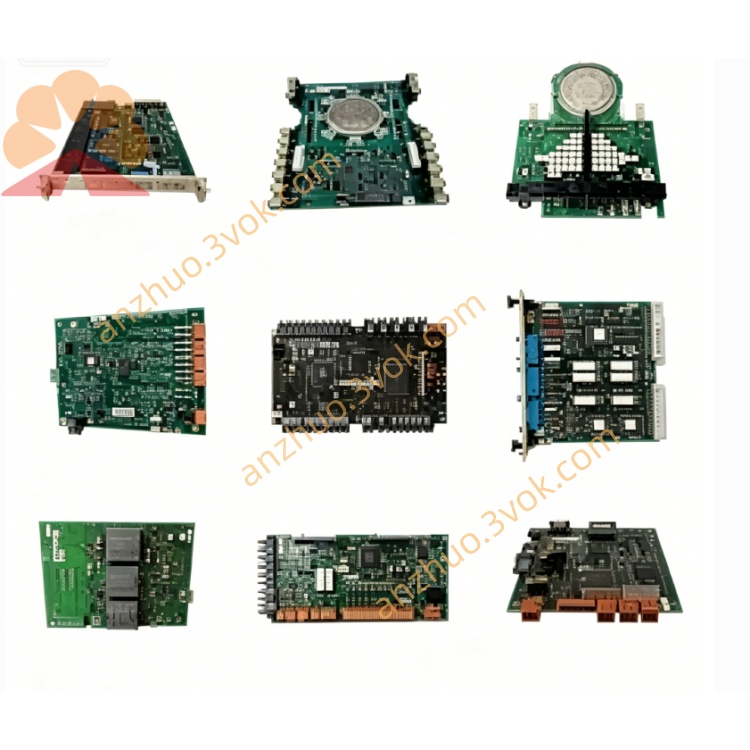
ABB 1SAP140100R0170 (PM581‑ETH) compact, high‑performance Ethernet CPU module
Description
Product Introduction
Model Explanation
PM581: Denotes the CPU series within AC500.
ETH: Indicates the integrated Ethernet interface.
R0170: Specifies the exact hardware revision.
It belongs to the ABB AC500 PLC line and is fully compatible with the series’ terminal bases, I/O modules, and FBP communication accessories.
Technical Parameters
Power supply: 24 V DC (20.4–28.8 V DC), power consumption approx. 8 W.
Memory: 256 kB flash for user programs, 416 kB RAM for data, 32 kB retentive data memory.
Processing speed: 0.07 μs/bit instruction, 0.1 μs/word instruction, 0.8 μs/floating‑point instruction.
Temperature: Operating 0 °C to +60 °C, storage ‑40 °C to +70 °C.
Protection class: IP20.
Certifications: CE, cULus, RoHS.
Dimensions: 62 × 76 × 67.5 mm; weight approx. 0.155 kg.
Interface and Communication Configuration
Ethernet: 1 × 10/100 Mbps RJ45, supports Modbus TCP, HTTP, FTP, SNMP.
Serial ports: 2 × configurable (COM1: RS232; COM2: RS485), supporting Modbus RTU, CS31, ASCII.
SD card slot: For program backup/restore and firmware updates.
Local operation: LCD with physical keys for status display, parameter setting, and fault diagnosis without a PC.
FBP interface: Supports optional fieldbus modules (e.g., Profibus DP, CANopen) for extended connectivity.
Core Functions
Executes complex logic, process control, and motion control tasks efficiently.
Multi‑protocol communication enables seamless connection with HMIs, drives, instruments, and SCADA systems.
Local LCD/keys simplify on‑site operation and maintenance.
Supports large‑scale I/O expansion: up to 320 digital inputs, 240 digital outputs, 160 analog inputs, 160 analog outputs.
Hot‑swap of expansion modules reduces downtime.
SD card enables fast program backup and offline firmware upgrades.
Application Scenarios
Factory automation: Production lines, packaging machines, machine tools, and assembly systems.
Process industries: Water treatment, HVAC, chemical, pharmaceutical, and food & beverage.
Infrastructure: Intelligent building control, energy management, and small‑to‑mid‑size power distribution automation.
System upgrades: Ideal for modernizing legacy systems to support Ethernet networking and remote monitoring.
Usage and Maintenance Instructions
Mount on a standard DIN rail (TH35‑15) and connect 24 V DC power correctly.
Install the matching terminal base and required I/O modules; connect Ethernet and serial cables.
Configure parameters and download programs via ABB Automation Builder before commissioning.
Keep the environment ventilated and dry; ensure all terminals are tightened.
Back up programs regularly using the SD card.
Perform quarterly routine inspections and annual comprehensive tests.
Disconnect power before disassembly or replacement to ensure safety.
Get a Quote